read it later
Liens
Your links, set aside.
One click to keep a page, a site, a video: you find them again when you have the time, even offline.
On Android, with Zappy- Add a link by sharing it to the app, pasting its address or with the extension for Chrome and Firefox.
- Sort with tags, folders and favourites.
- Archive what you’ve read, and find it again when you need it.
Screenshots
-
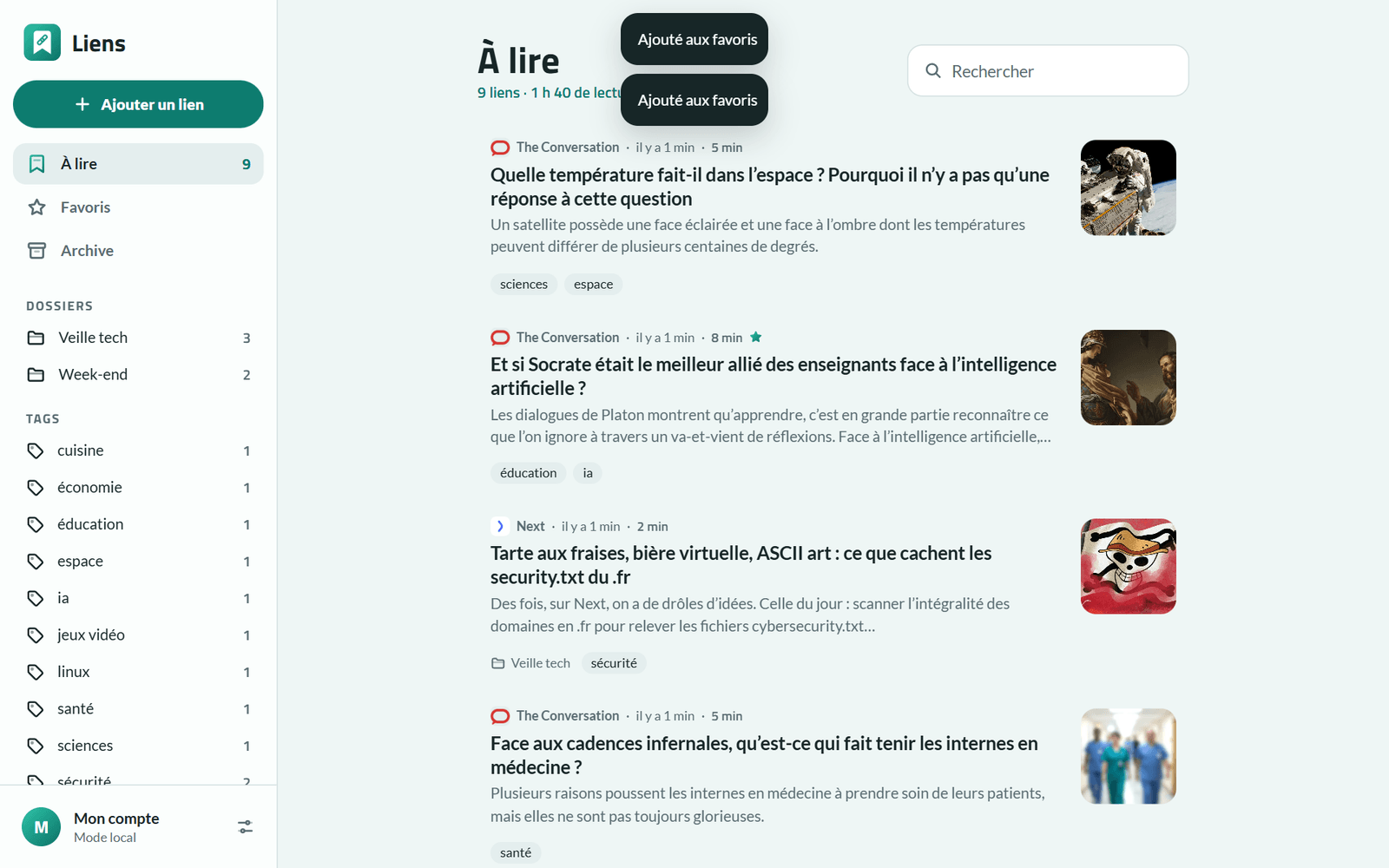
Your links to read, with their tags and folders 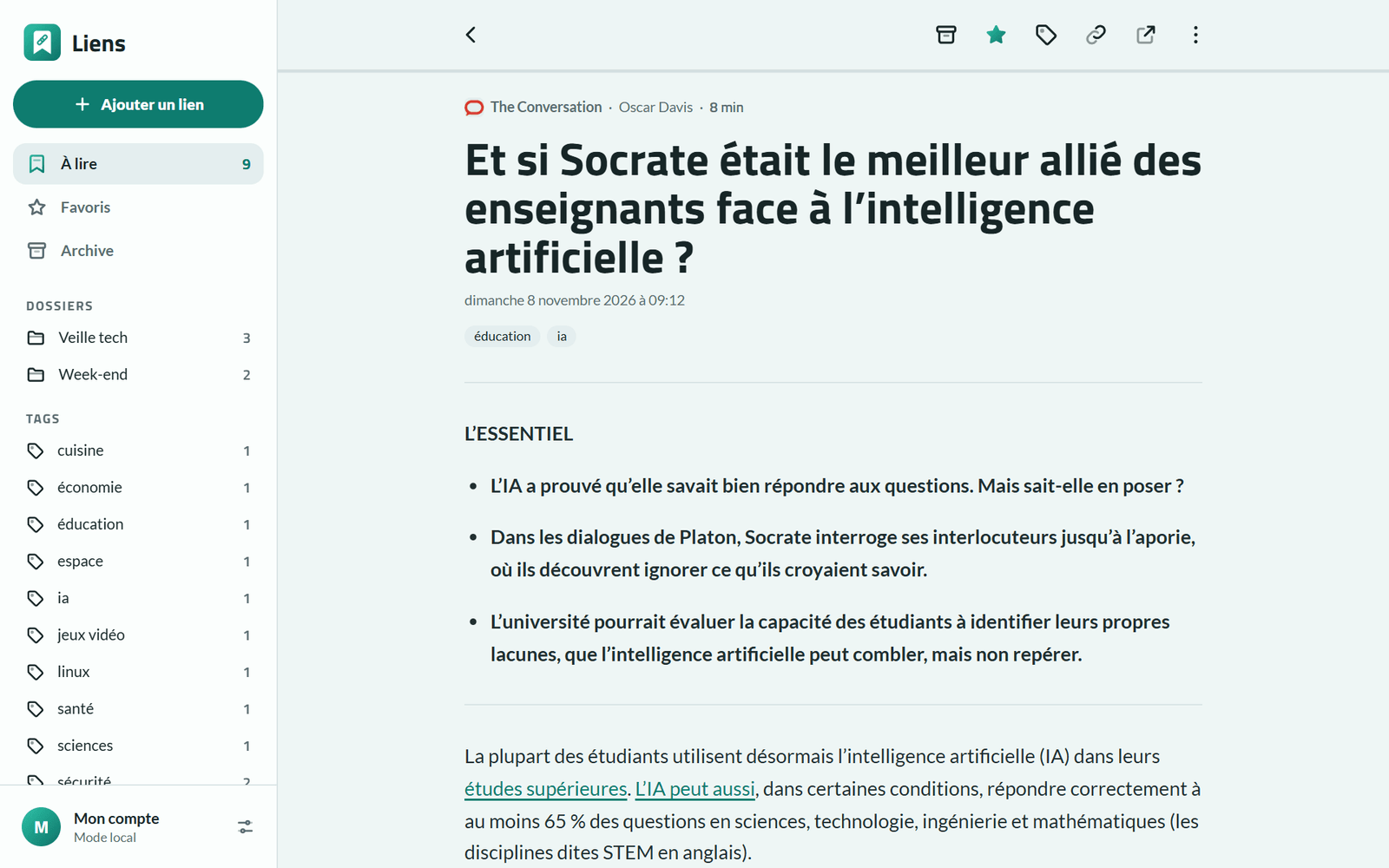
A page in the reader, even offline 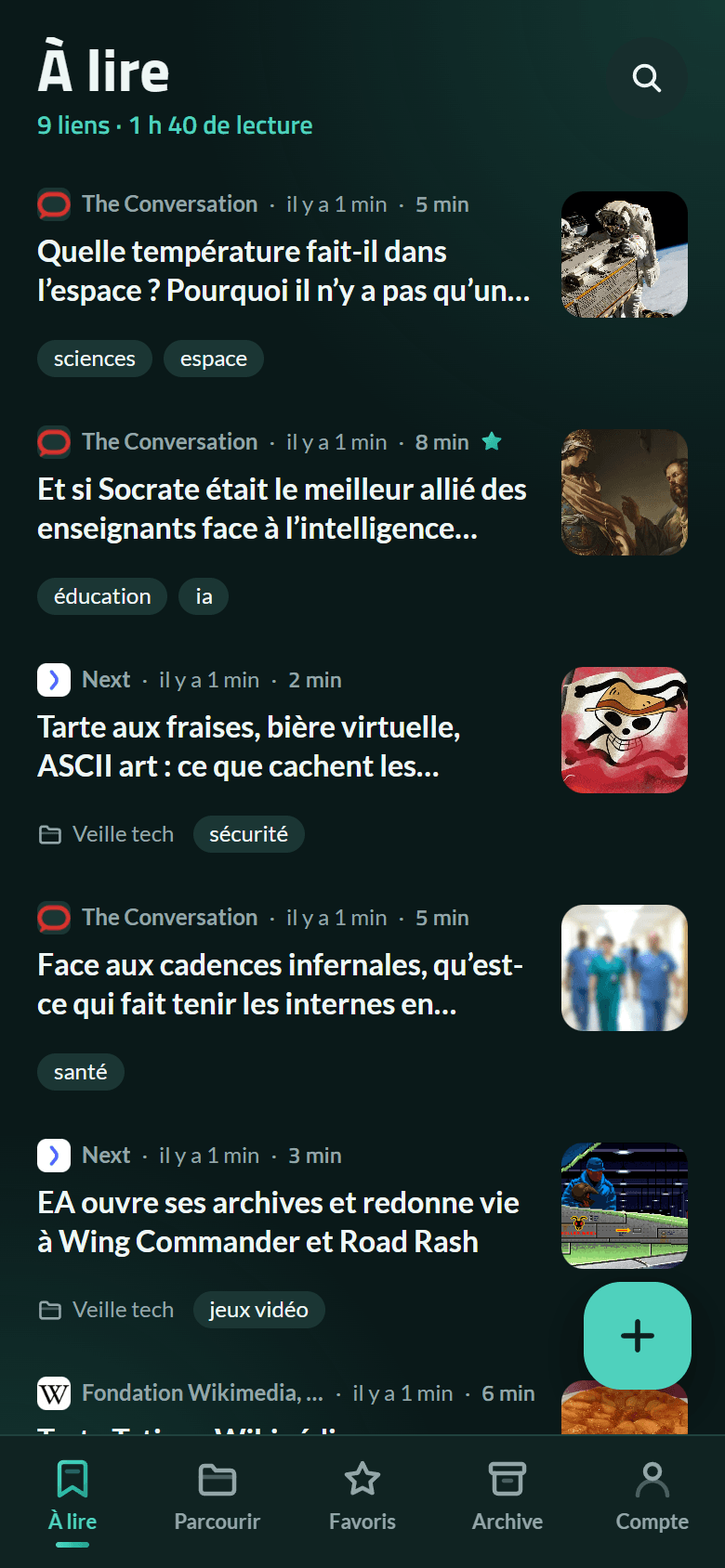
On a phone, in the dark theme
What the app does
To read
Your links not yet archived, with their site, reading time, summary, picture, folder and tags.
The extension
One click (or Alt+Shift+S) saves the open page, its text read in the tab: even a page behind a sign-in is kept as you see it.
Read, even offline
The page’s text, cleaned up, at the size that suits you. The texts to read are downloaded ahead: they can be read on a plane.
Sort, find
Tags, folders, favourites and archive, and a search through titles, sites, tags and texts.
Coming from Pocket
Import Pocket’s or Instapaper’s export or a browser’s bookmarks; export as CSV or HTML.
Your data
You sign in with your Bluesky account: nothing else to create. Or you stay without an account, and everything stays on the device.
Your links, their tags, folders and the pages’ text are encrypted on the device with a passphrase only you know, then stored with your Bluesky account. Nobody else can read them.
The web app reads pages through the site, which keeps nothing; the extension reads the page in the tab. No ads, no tracking.
Questions
Do I need a Bluesky account?
No: “Continue without an account” keeps everything on the device, the extension included. You can sign in later without losing anything. With your account, everything syncs between your phone and your computer.