podcast player
Podcasts
Your podcasts, wherever you are.
Your subscriptions, your queue and your place in each episode follow you from one device to the next.
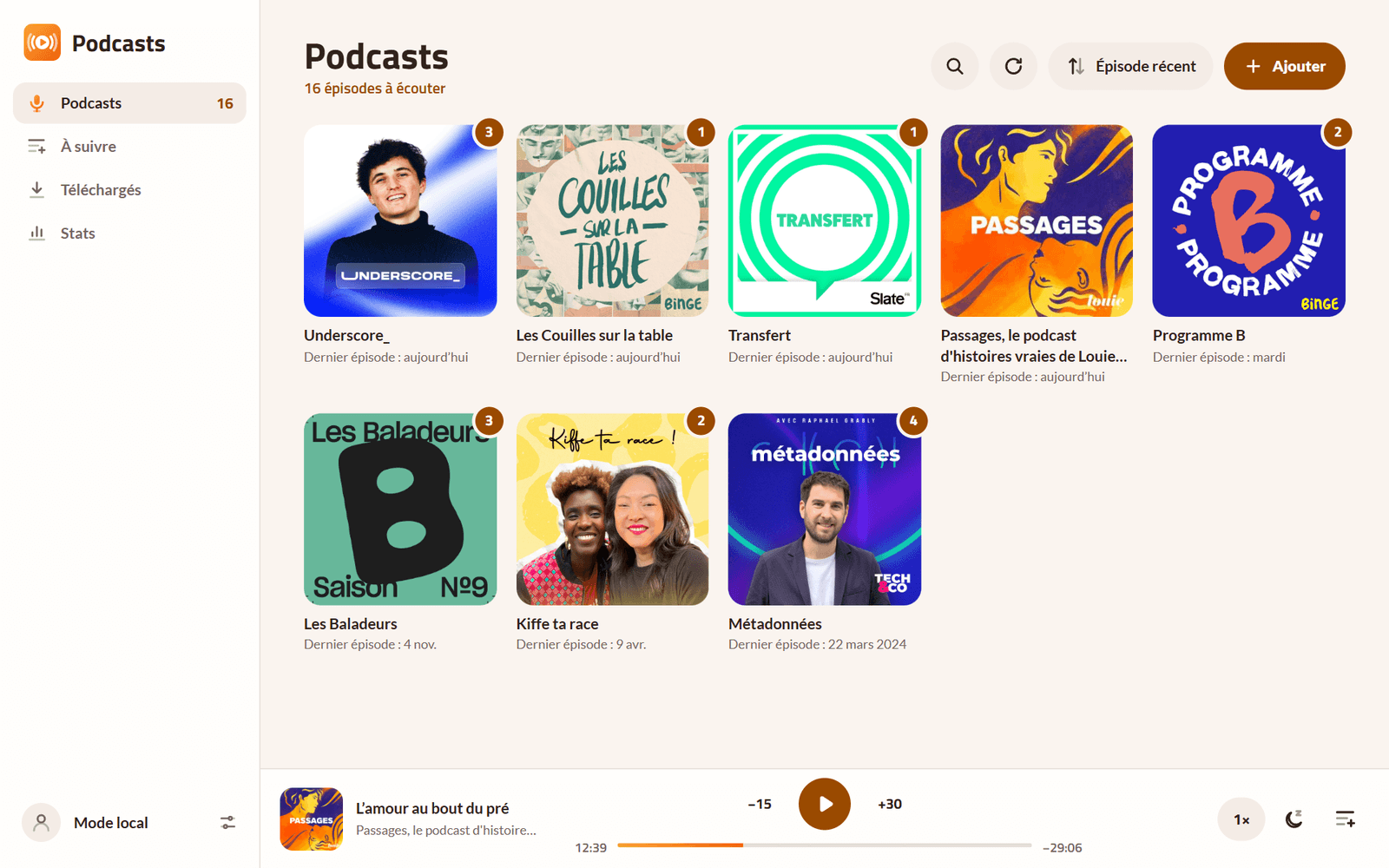
On Android, with Zappy- Your subscriptions in a grid, with the number of episodes to listen to.
- A player always at hand, at the bottom of the screen or full screen.
- You pick up where you left off, on a computer, a phone or in the car with Android Auto.
Screenshots
-
Your subscriptions in a grid, and the player below 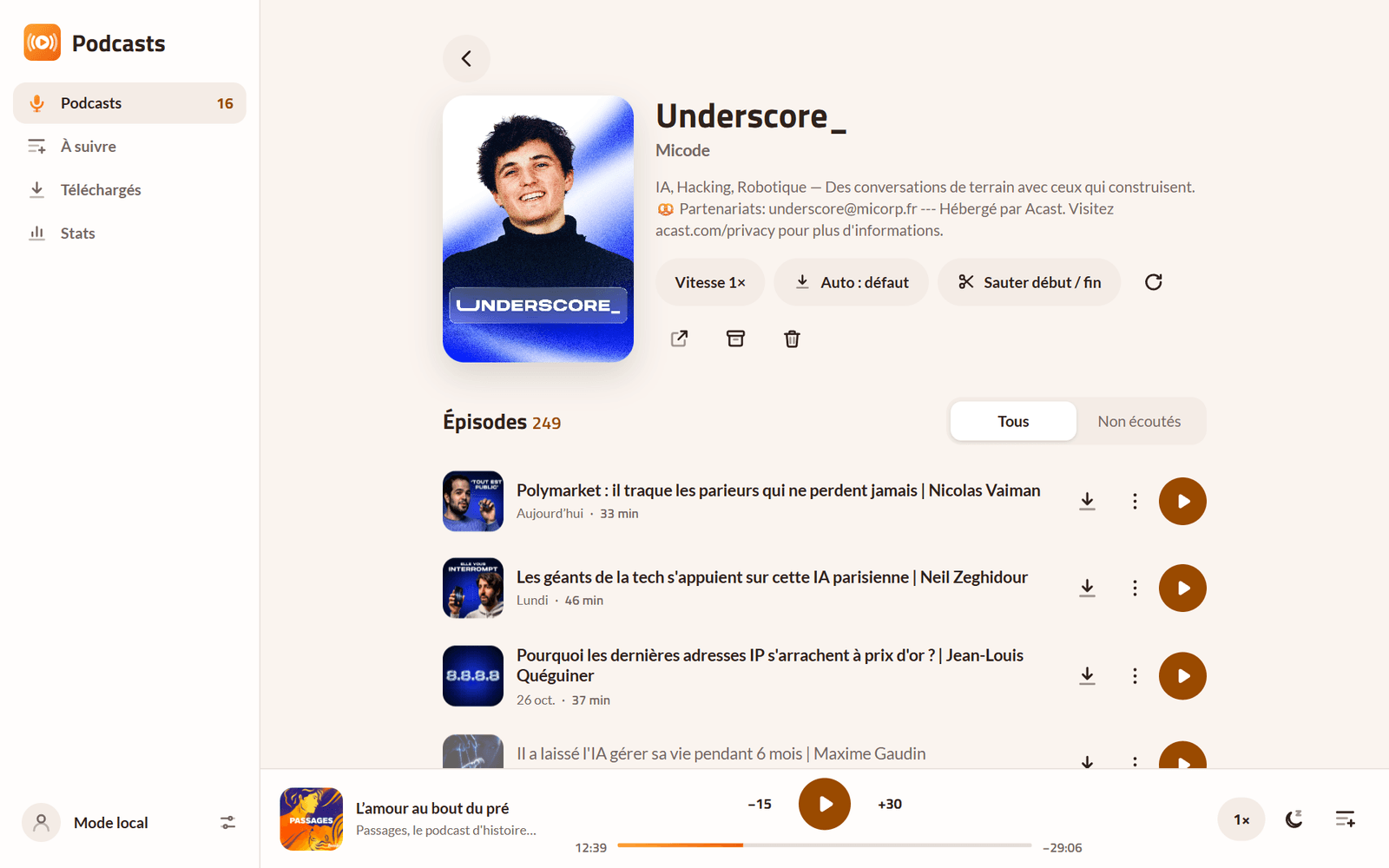
A show’s episodes 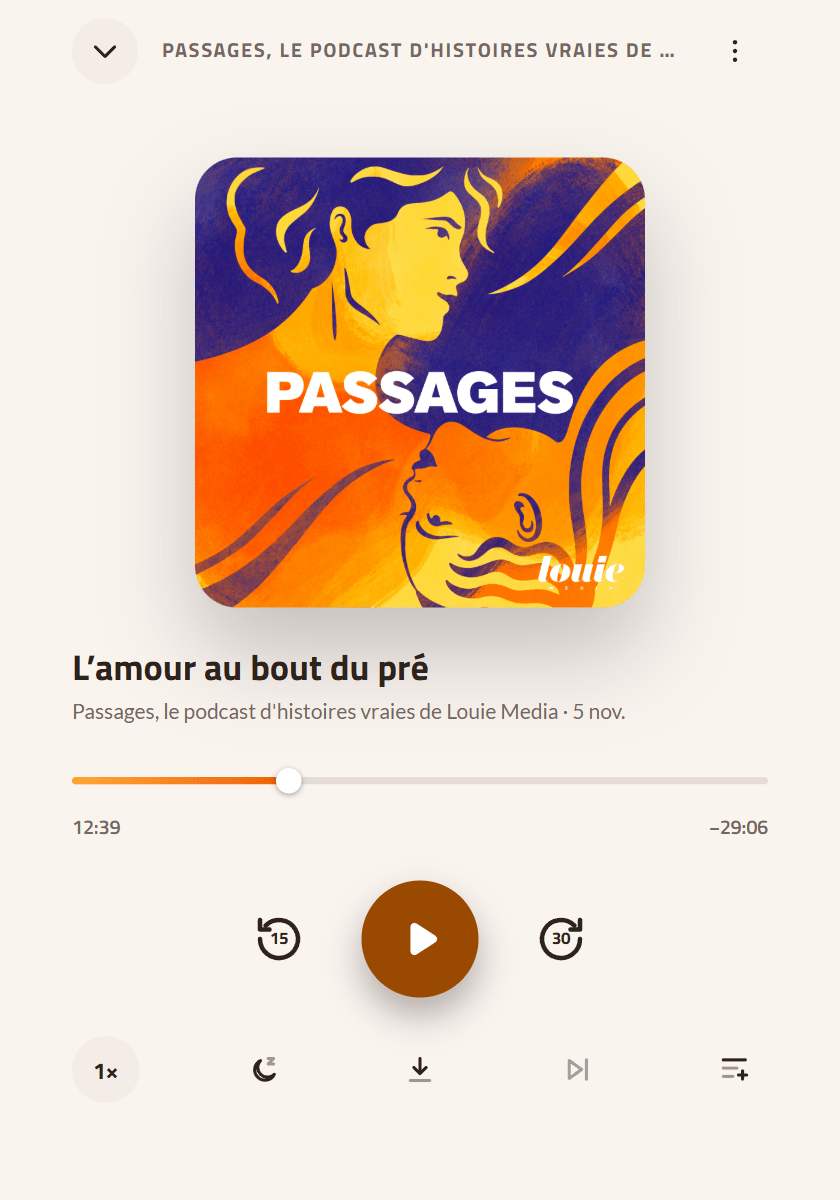
The full-screen player 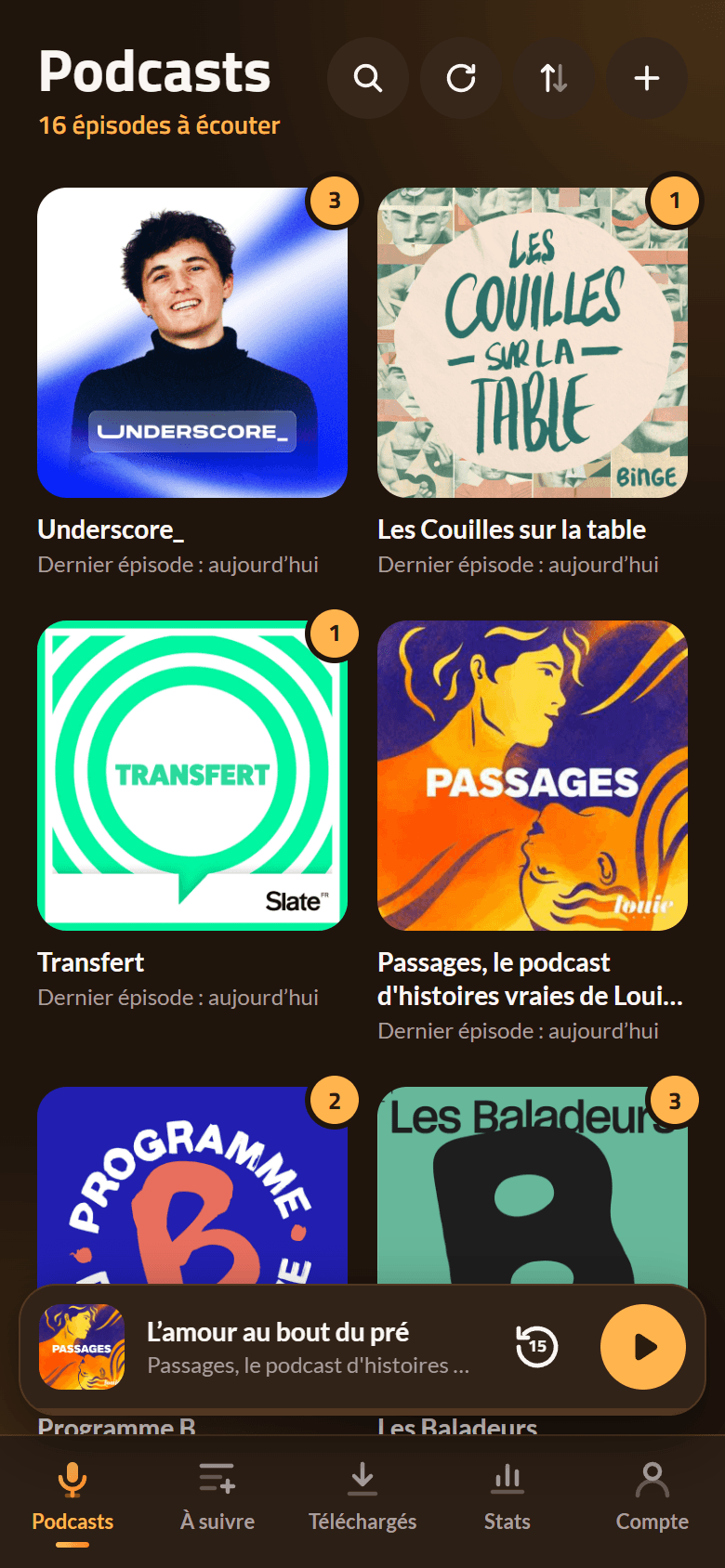
On a phone, in the dark theme
What the app does
Your subscriptions
Find a show by name or paste its feed’s address. Your podcasts in a grid, sorted as you like, with a badge for the episodes you haven’t heard yet. OPML import and export, and Podcast Addict’s backup to arrive with your whole history.
The player
Adjustable skip back and forward, speed per show, sleep timer, chapters, transcripts and clickable timestamps in the notes.
“Up next”
A queue of episodes in the order you like, played one after the other and synced.
Offline
Download an episode, or let the app keep the latest of each show, on Wi-Fi only if you prefer.
Stats
Your listening time per week, month or year, your most listened shows, on all your devices.
The Android app
Reliable background playback, Android Auto, Chromecast, voice search and a widget, with the same data as the website.
Your data
You sign in with your Bluesky account: nothing else to create. Or you stay without an account, and everything stays on the device.
Your subscriptions, progress, queue and stats are encrypted on the device with a passphrase only you know, then stored with your Bluesky account. Nobody else can read them, not even which show you listen to.
Show search goes through the site, which keeps nothing: the directory never sees your IP address. No ads, no tracking.
Questions
Do I need a Bluesky account?
No: “Continue without an account” keeps everything on the device. You can sign in later without losing anything. With your account, everything syncs between your phone and your computer.
I’m coming from Podcast Addict, do I keep my history?
Yes: its backup brings your subscriptions, played episodes, positions, playlist and listening history, and even old episodes the feeds no longer hold.